
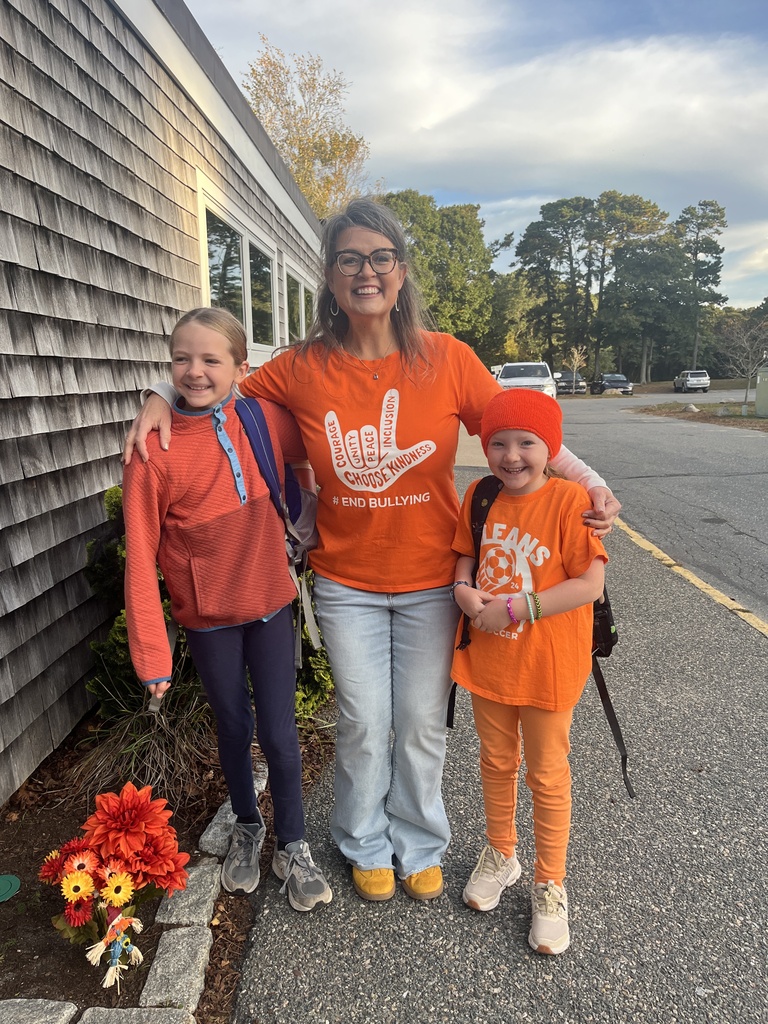
OES proudly celebrated Unity Day in vibrant orange, promoting safe spaces! Mrs. Wright led classroom activities that inspired kindness and inclusivity.

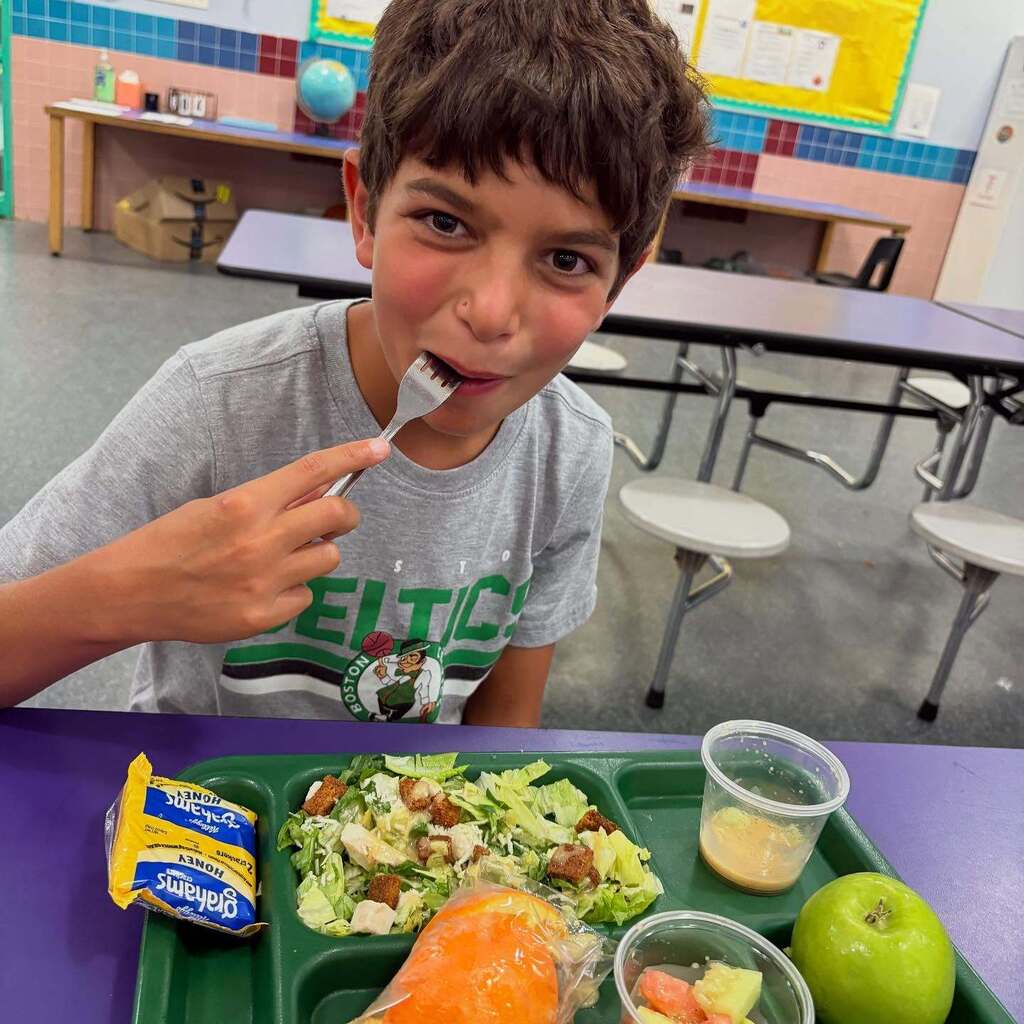
🍽🥪🥗CELEBRATING NATIONAL SCHOOL LUNCH WEEK:
Happy National School Lunch Week! 🍅🥙
School lunches help keep our students healthy, full, and fueled to learn. As a participant in the Massachusetts Farm to School initiative, school lunches across our Nauset schools often feature locally grown, raised, or caught fruits, vegetables, grains, and proteins. Many meals also include fresh vegetables grown right in our schools' own hydroponic towers, greenhouses, and outdoor gardens. 🌱🍗🐄
Thank you to our food services and nutrition teams who make sure that the lunches served in Nauset cafeterias are nutritious and delicious! 💛🍏🖤
#NationalFarmtoSchoolMonth #NationalSchoolLunchWeek #MassFarmtoSchool
Happy National School Lunch Week! 🍅🥙
School lunches help keep our students healthy, full, and fueled to learn. As a participant in the Massachusetts Farm to School initiative, school lunches across our Nauset schools often feature locally grown, raised, or caught fruits, vegetables, grains, and proteins. Many meals also include fresh vegetables grown right in our schools' own hydroponic towers, greenhouses, and outdoor gardens. 🌱🍗🐄
Thank you to our food services and nutrition teams who make sure that the lunches served in Nauset cafeterias are nutritious and delicious! 💛🍏🖤
#NationalFarmtoSchoolMonth #NationalSchoolLunchWeek #MassFarmtoSchool
🏫📘💭PROFESSIONAL DEVELOPMENT DAY AT NPS:
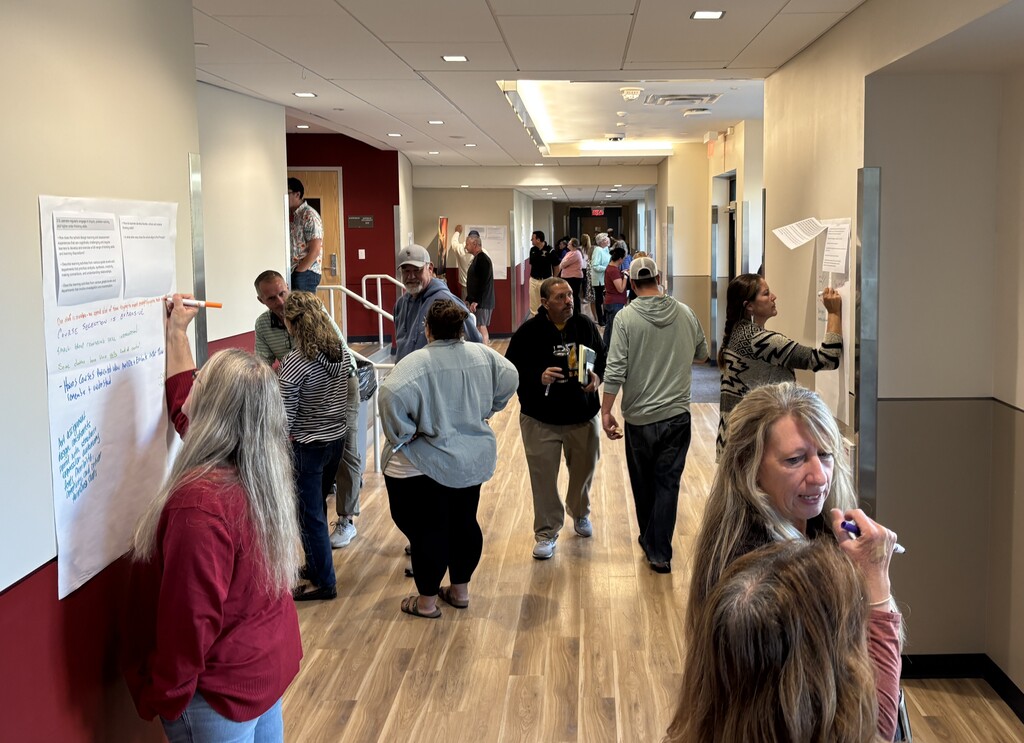
From workshops on practice-based instruction and curriculum design to effective co-teaching to teaching with purpose - and more! - learning spaces at Nauset Regional High School and Nauset Regional Middle School were buzzing with staff collaboration during our recent professional development day! 💡✏️🧠
Thank you to our educators, session hosts, and Assistant Superintendent of Teaching and Learning for a fabulous day of continuing education. 👥👨🏫
Second grade released butterflies.
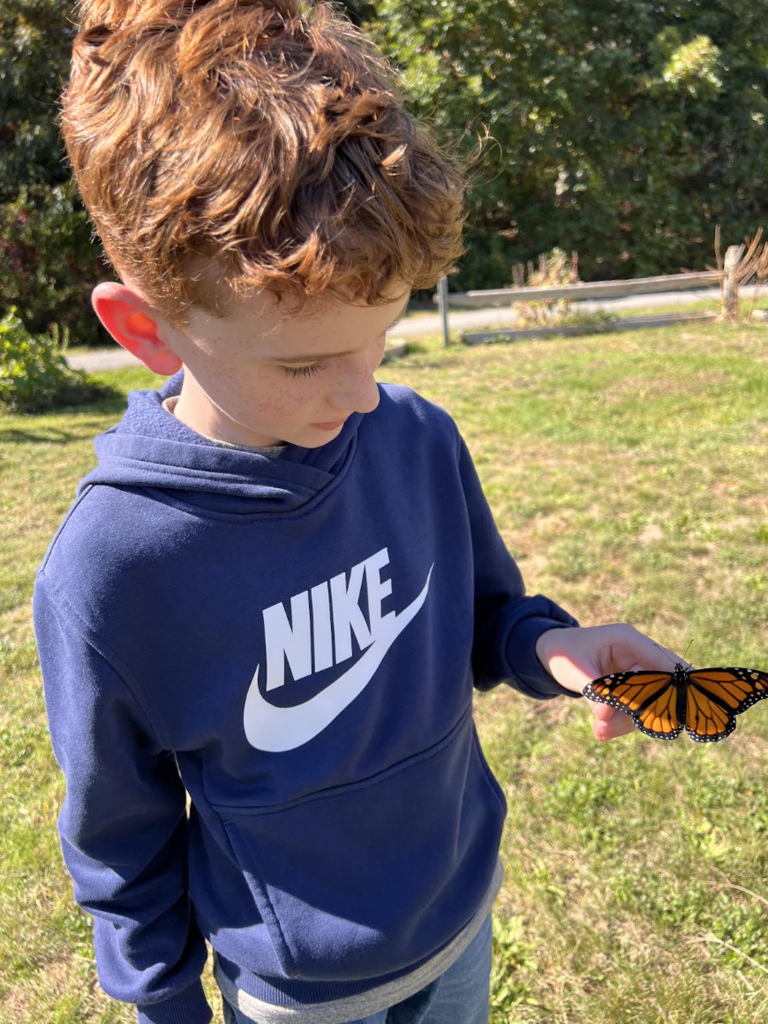
Second Graders released Monarch Butterflies they hatched in STEM class with Mrs. Fish!
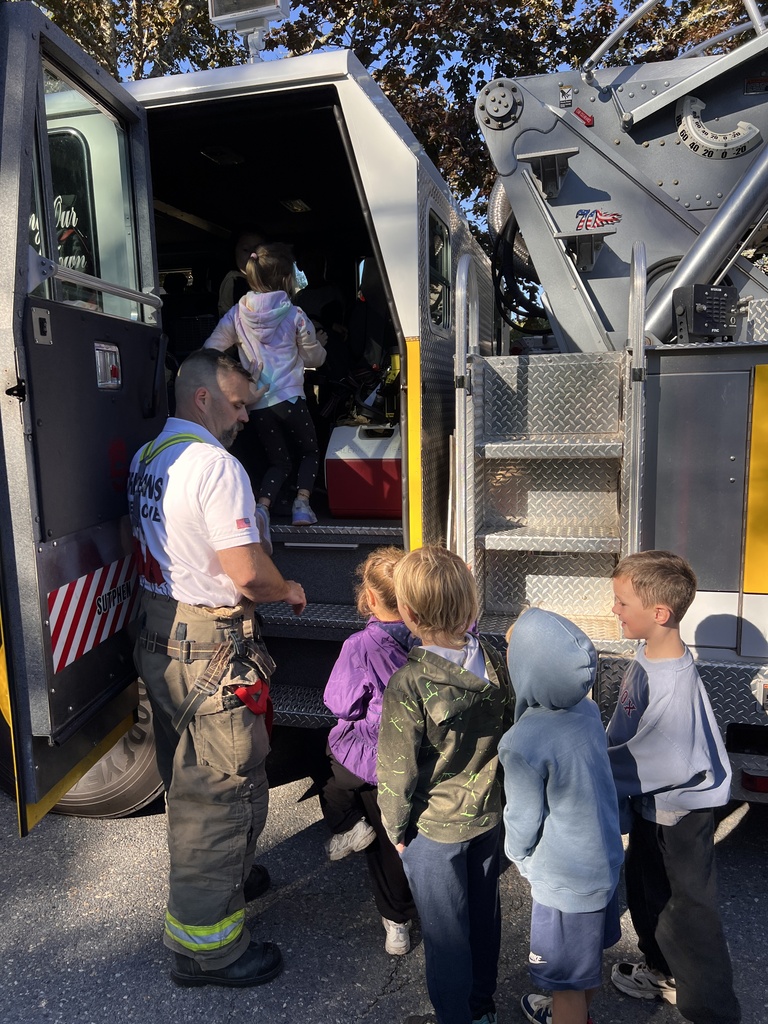
Thank you to the Orleans Fire Department for inspiring our Kindergarten and First Graders today with valuable fire safety lessons and the unforgettable experience of getting inside the truck!
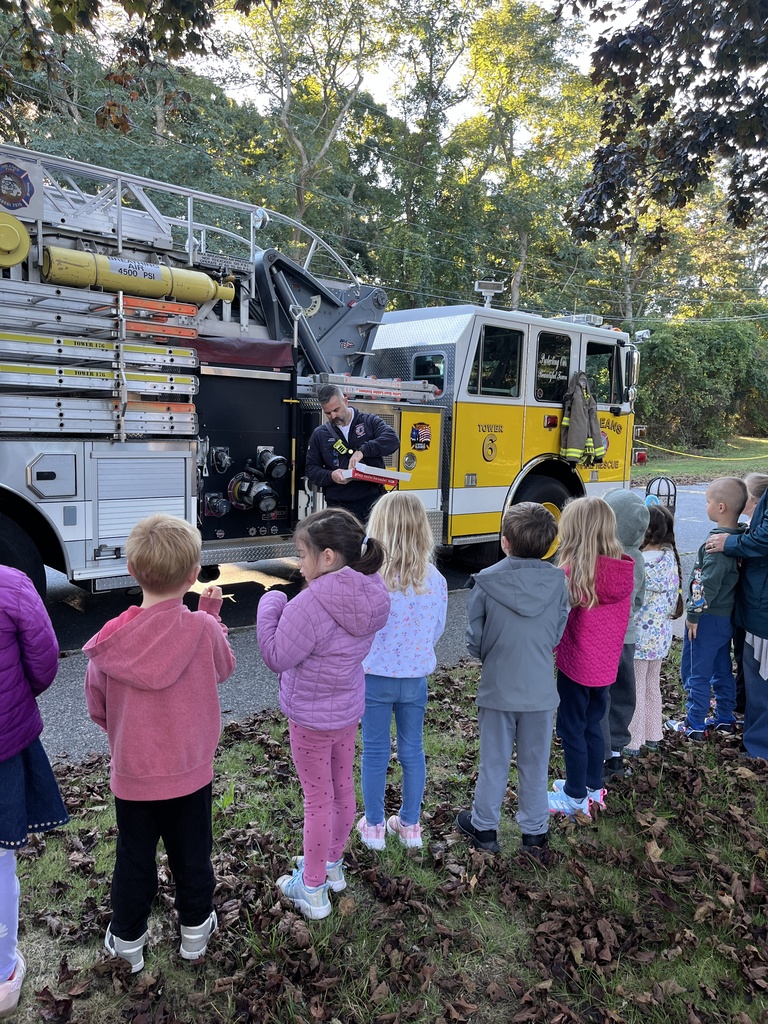
Thank you to the Orleans Fire Department for inspiring our Kindergarten and First Graders today with valuable fire safety lessons and the unforgettable experience of getting inside the truck!
Students at OES embraced the spirit of community and wellness by enthusiastically participating in Walking Wednesday this morning before school started!
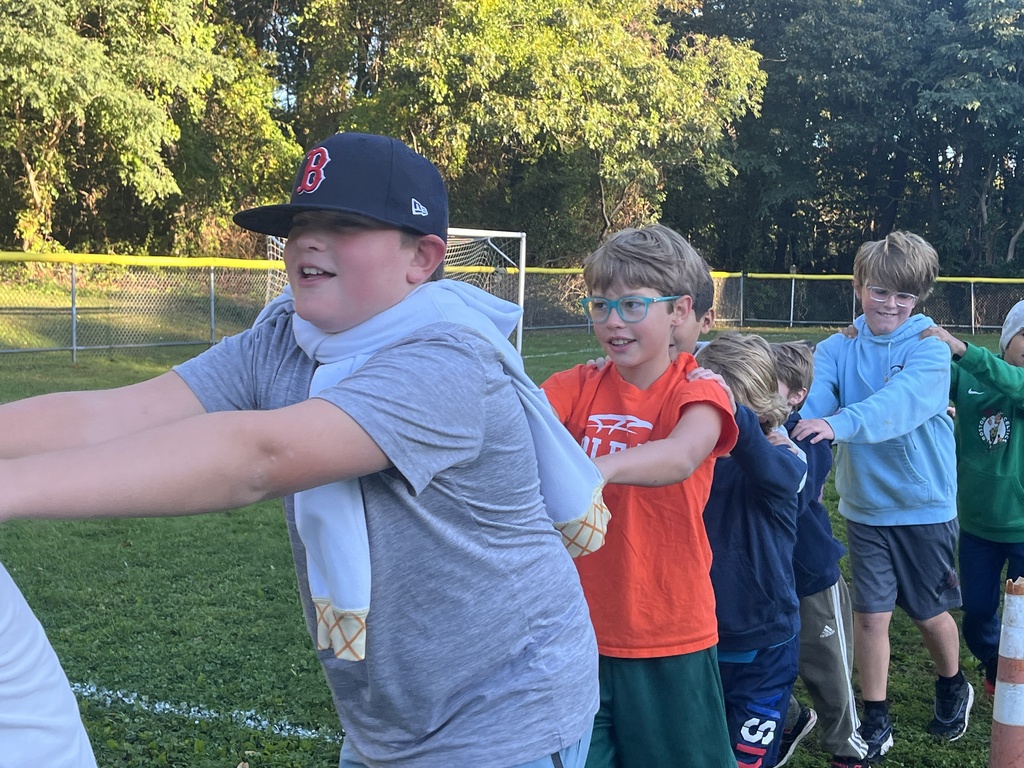
Students at OES embraced the spirit of community and wellness by enthusiastically participating in Walking Wednesday this morning before school started!
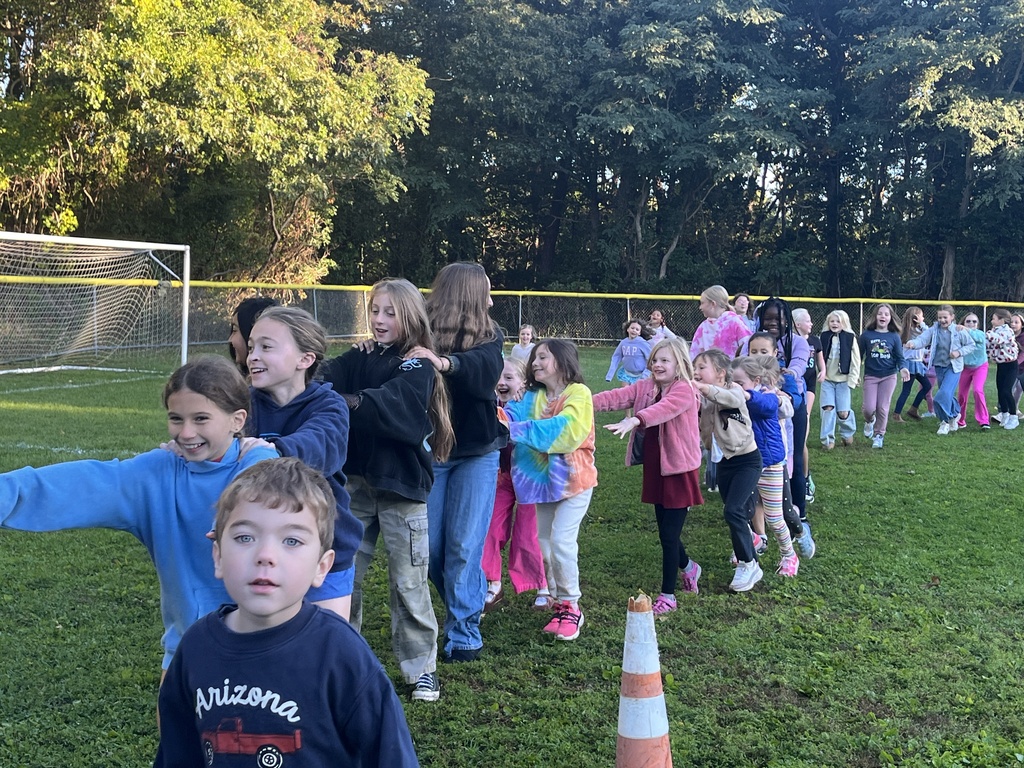
🚲👣🏃WALK, BIKE, AND ROLL TO SCHOOL DAY:
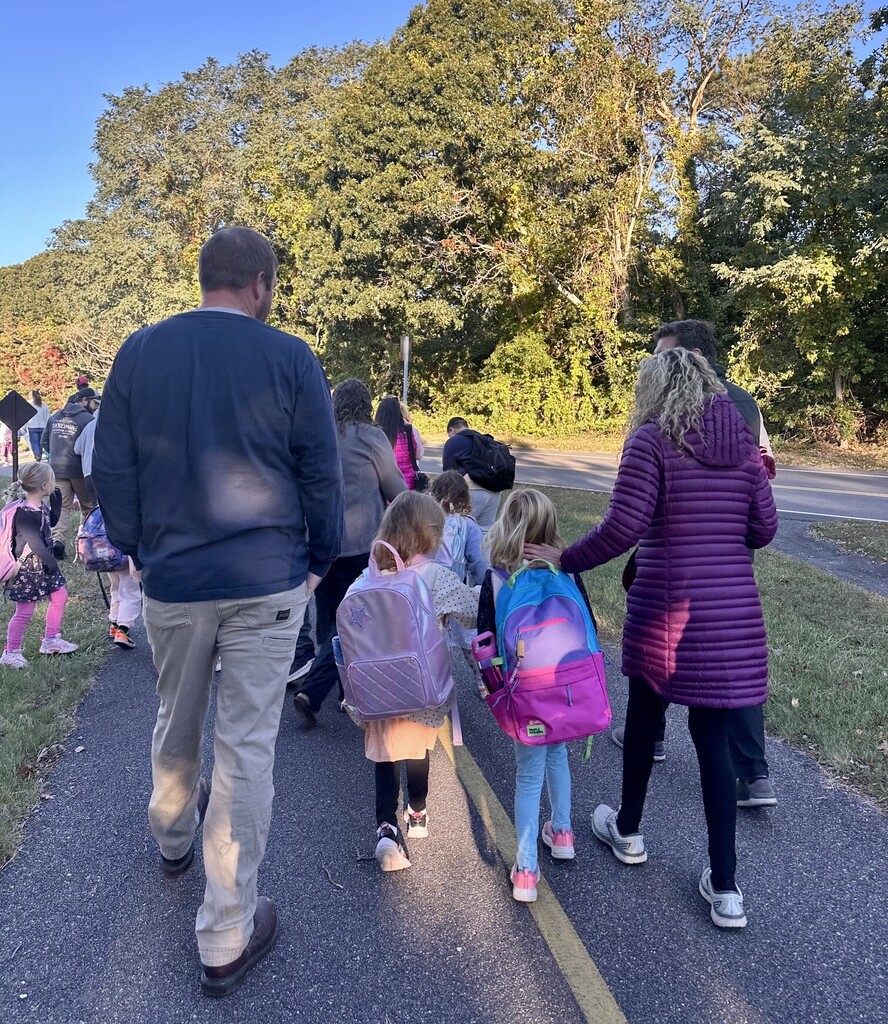
Today, October 7, is National Walk, Bike, and Roll to School Day! This morning, our elementary school students, families, and staff members walked to school together in the crisp fall air to promote physical activity, school spirit, and safer routes to school.
Learn more about safe routes to school: https://www.walkbiketoschool.org/
🏌⚽🏈CELEBRATING NATIONAL COACHES DAY🏅🏐🏒:
Today, October 6, is National Coaches Day! Our Nauset schools are fortunate to have many coaches who mentor, motivate, and make a difference in our students' lives.
Join us in celebrating #NationalCoachesDay by cheering on our Warriors who are playing games at home this afternoon!
🏑Nauset Regional Middle School girls field hockey plays Falmouth @ NRMS (4:00 PM)
🏐Nauset Regional Middle School girls volleyball plays Falmouth @ NRMS (4:00 PM)
⚽Nauset Regional High School girls varsity soccer plays SJPII @ NRHS (4:00 PM)
⚽Nauset Regional High School girls JV soccer plays SJPII @ NRHS (5:30 PM)
Keep up with Nauset athletics: https://www.gobound.com/ma/schools/nausetregional
Today, October 6, is National Coaches Day! Our Nauset schools are fortunate to have many coaches who mentor, motivate, and make a difference in our students' lives.
Join us in celebrating #NationalCoachesDay by cheering on our Warriors who are playing games at home this afternoon!
🏑Nauset Regional Middle School girls field hockey plays Falmouth @ NRMS (4:00 PM)
🏐Nauset Regional Middle School girls volleyball plays Falmouth @ NRMS (4:00 PM)
⚽Nauset Regional High School girls varsity soccer plays SJPII @ NRHS (4:00 PM)
⚽Nauset Regional High School girls JV soccer plays SJPII @ NRHS (5:30 PM)
Keep up with Nauset athletics: https://www.gobound.com/ma/schools/nausetregional
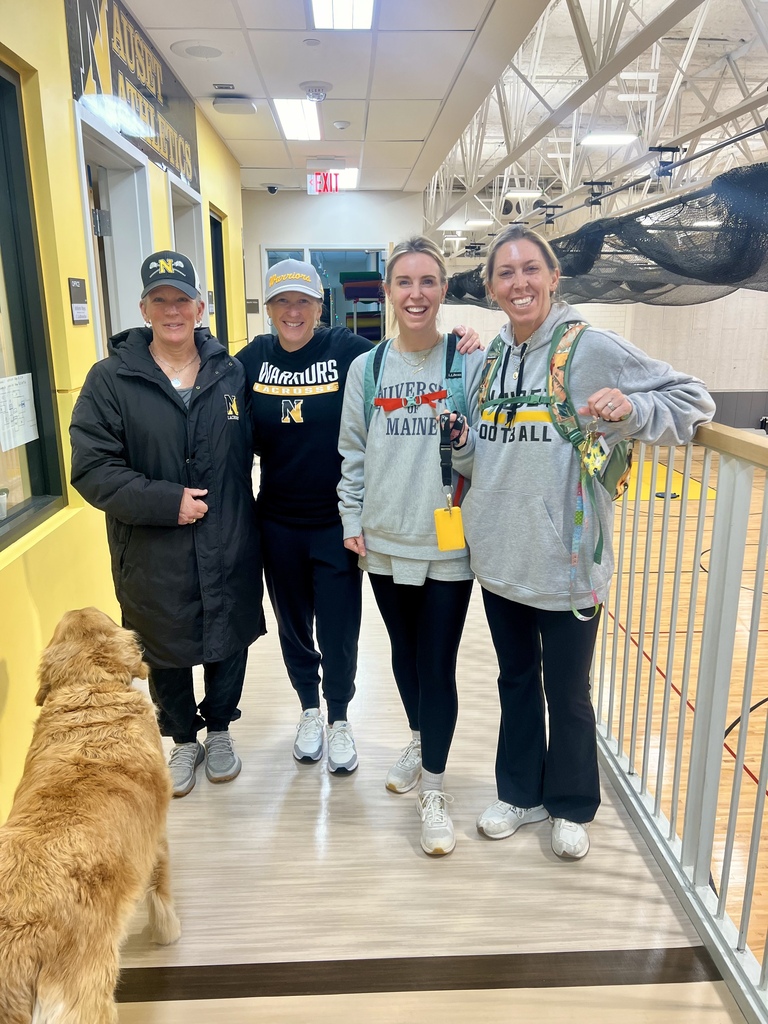
🏫👩🏫🌎CELEBRATING WORLD TEACHER'S DAY:
Today, October 5, is World Teacher's Day which honors educators and the teaching profession worldwide! 🎉
Educators across our Nauset Public Schools empower, challenge, and inspire our students to be and do their best every day. Join us in celebrating World Teacher's Day by thanking a teacher who has shaped your life! 🙏💛
Today, October 5, is World Teacher's Day which honors educators and the teaching profession worldwide! 🎉
Educators across our Nauset Public Schools empower, challenge, and inspire our students to be and do their best every day. Join us in celebrating World Teacher's Day by thanking a teacher who has shaped your life! 🙏💛
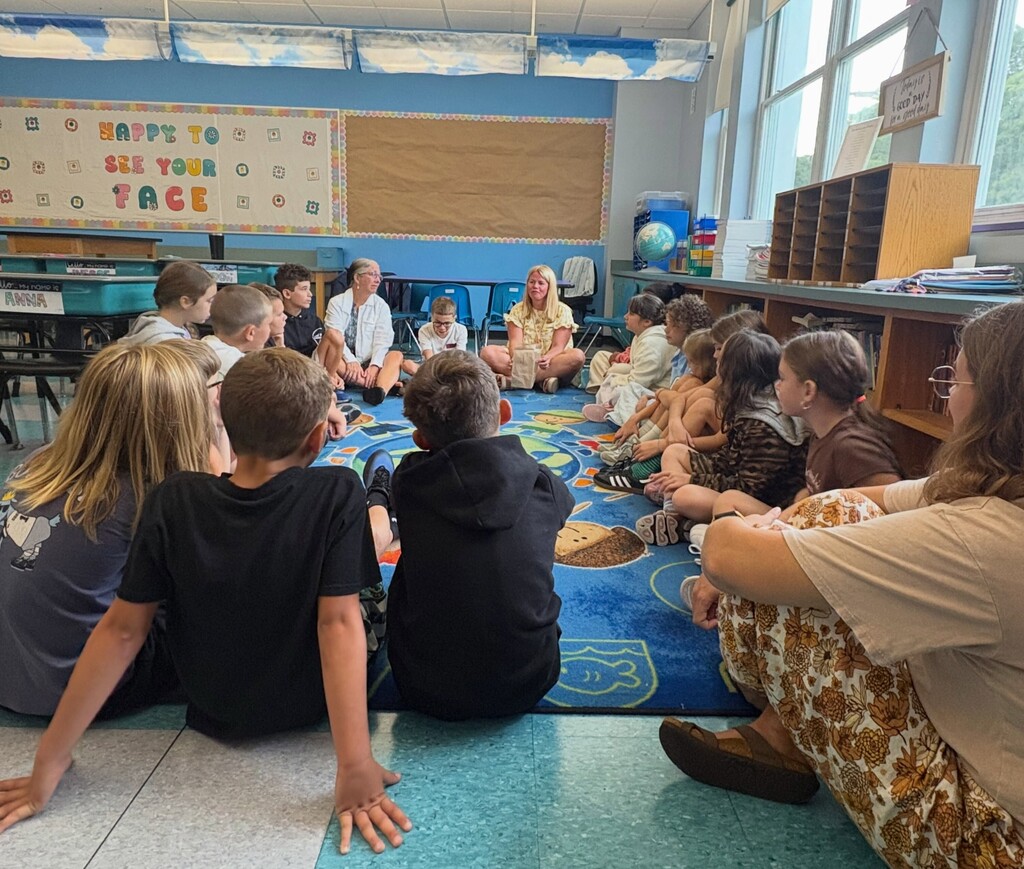
Families could enjoy dinner and spend time together before visiting the classrooms during our Open House.
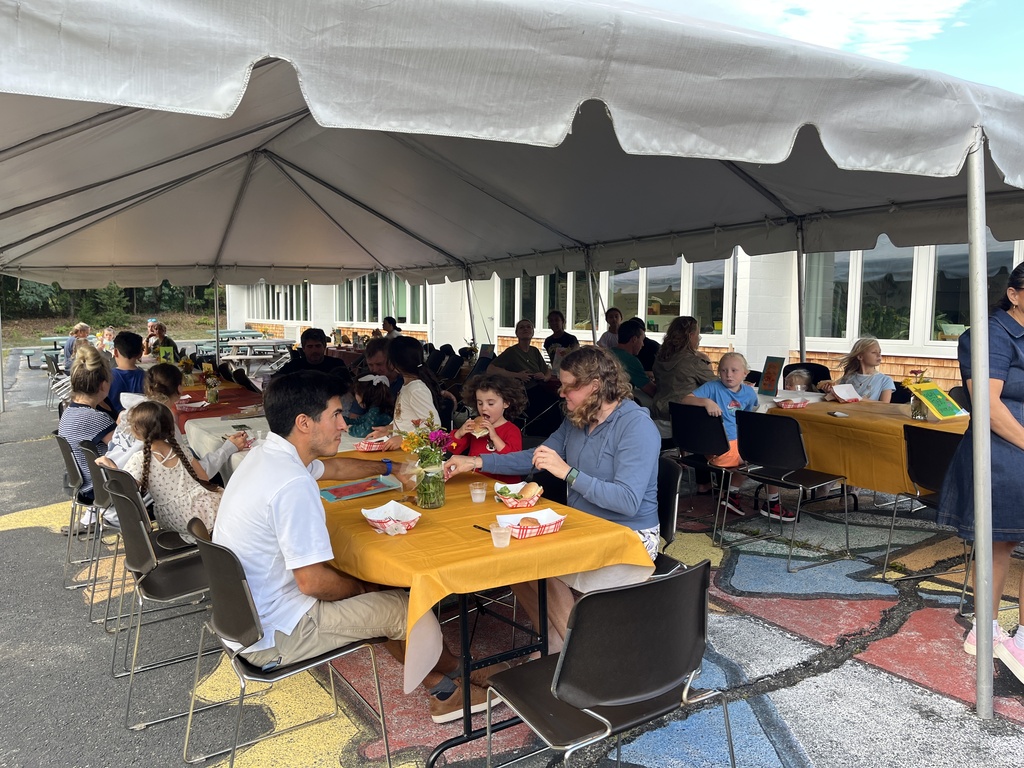
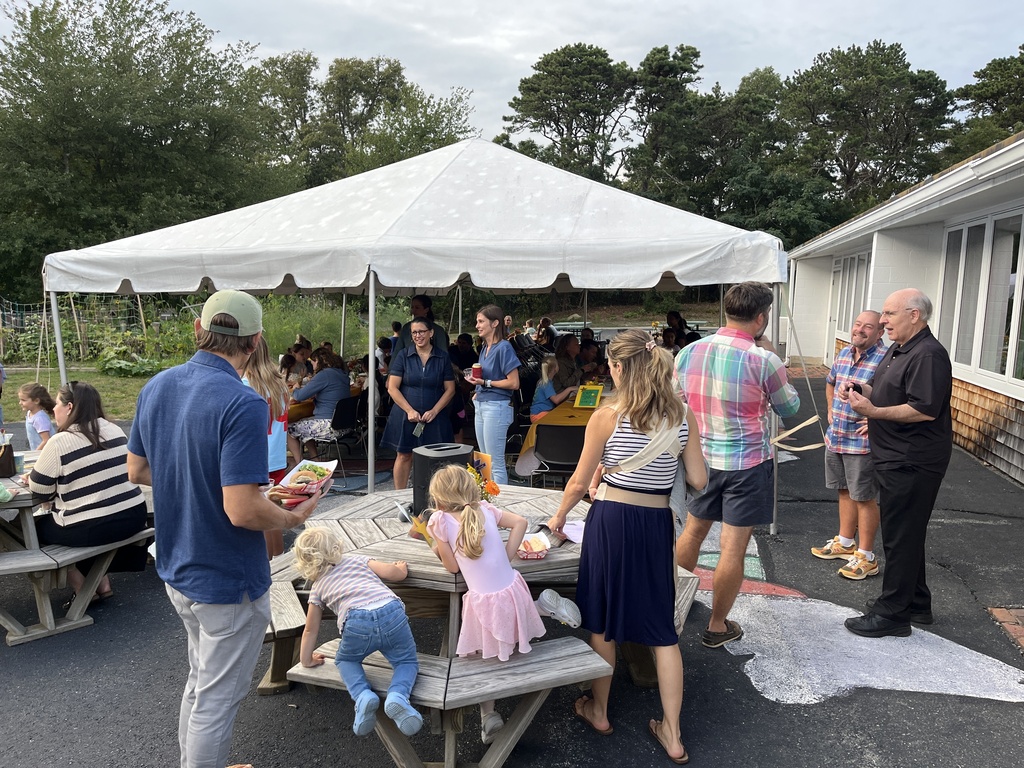
We thoroughly enjoyed spending time with families at the Orleans Families Open House BBQ! The lively atmosphere made it a fun experience for everyone.

What an amazing time we had at the Orleans Families Open House BBQ! A huge shout-out to our incredible Food Service Department for serving up a delicious meal that brought everyone together. Thank you for making this event so special!
🏫👩🏫💛NEW STAFF ORIENTATION FLASHBACK FRIDAY:
It's #FlashbackFriday and we're going back to the first event of our new school year: New Staff Orientation!
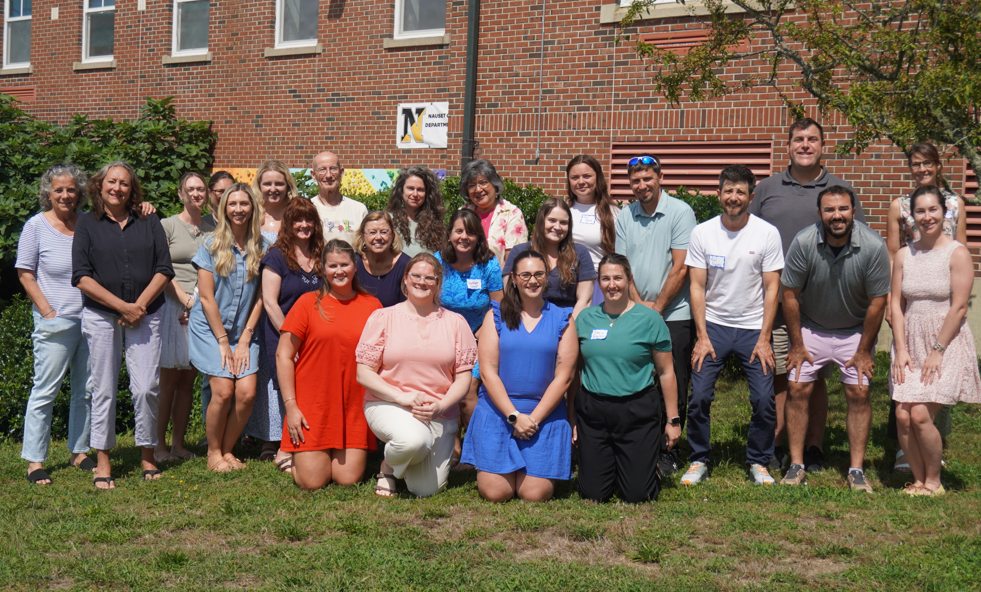
In late August, just before Opening Day, we welcomed all of Nauset's new educators and the educator-mentor members of our Mentor and Induction Program to Nauset Regional Middle School for New Staff Orientation. Over two days, our new staff and mentors learned from one another prepared for a strong start to the school year.
It's going to be a great year at Nauset! ⚓🍏
It's #FlashbackFriday and we're going back to the first event of our new school year: New Staff Orientation!
In late August, just before Opening Day, we welcomed all of Nauset's new educators and the educator-mentor members of our Mentor and Induction Program to Nauset Regional Middle School for New Staff Orientation. Over two days, our new staff and mentors learned from one another prepared for a strong start to the school year.
It's going to be a great year at Nauset! ⚓🍏
🎭🎙🎶NATIONAL ARTS IN EDUCATION WEEK:
This week is National Arts in Education Week, which celebrates the transformative power of creative, visual, and performing arts in education!
All Nauset Public Schools students have the opportunity to create, thrive, and explore their passions through the arts. From art classes to band, chorus, theater, and dance to pottery and jewelry-making and so much more, our NPS students are engaged in the arts at every level of their education!
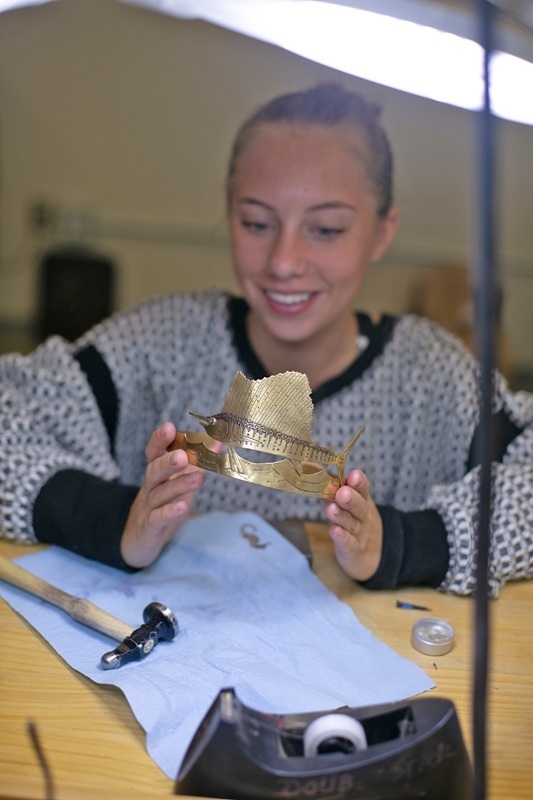
Recently, the metals and jewelry program at Nauset Regional High School was featured in both the September issue of the Manufacturing Jewelers & Suppliers of America's MJSA Journal and in The Provincetown Independent.
Read the MJSA article: https://view.publitas.com/mjsa/mjsa-journal_september-issue_427092026/page/34-35
Read the Provincetown Independent article: https://provincetownindependent.org/news/learning/2026/06/10/the-jewelry-makers-of-nauset-high-school/
Photos by Agata Storer at The Provincetown Independent.
This week is National Arts in Education Week, which celebrates the transformative power of creative, visual, and performing arts in education!
All Nauset Public Schools students have the opportunity to create, thrive, and explore their passions through the arts. From art classes to band, chorus, theater, and dance to pottery and jewelry-making and so much more, our NPS students are engaged in the arts at every level of their education!
Recently, the metals and jewelry program at Nauset Regional High School was featured in both the September issue of the Manufacturing Jewelers & Suppliers of America's MJSA Journal and in The Provincetown Independent.
Read the MJSA article: https://view.publitas.com/mjsa/mjsa-journal_september-issue_427092026/page/34-35
Read the Provincetown Independent article: https://provincetownindependent.org/news/learning/2026/06/10/the-jewelry-makers-of-nauset-high-school/
Photos by Agata Storer at The Provincetown Independent.
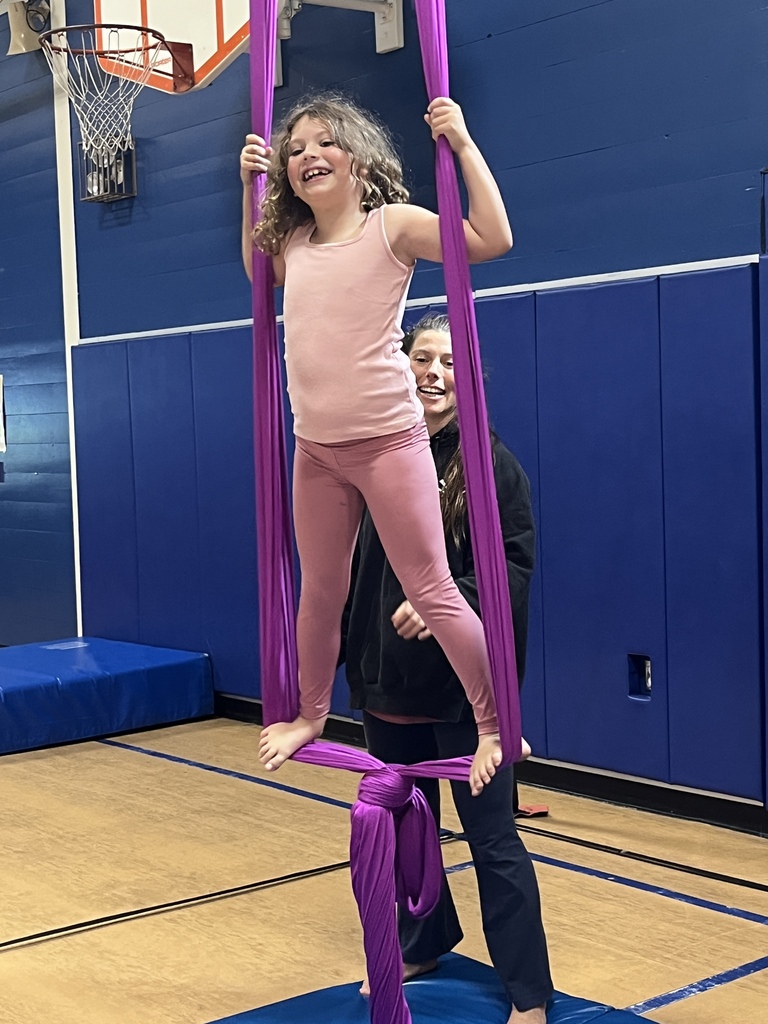
Our students had a fantastic time enjoying the Payomet Circus right here in our gym!
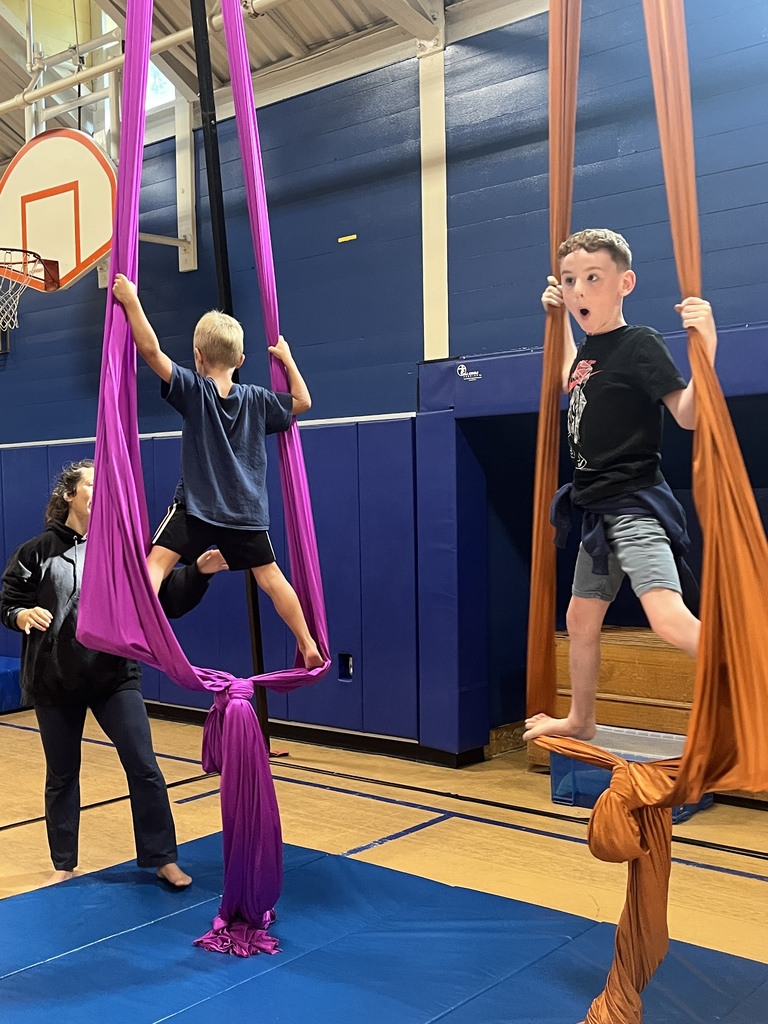
What an exciting day for our students! They had an incredible time participating in the Payomet Circus right in our gym!
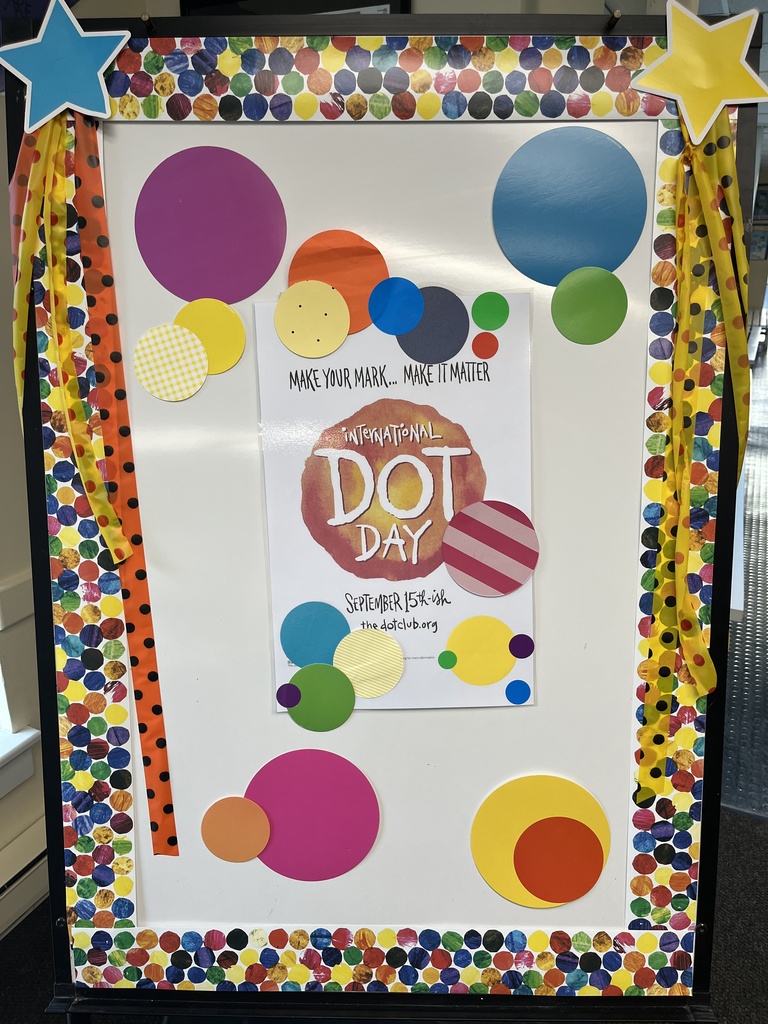
"Celebrating Dot Day today at OES! We are all ready to make our mark this year!!